Give each agent one clear job. Separate booking, support intake, and payment reminders unless callers genuinely need those tasks in one conversation.
Start By Choosing The Agent Type
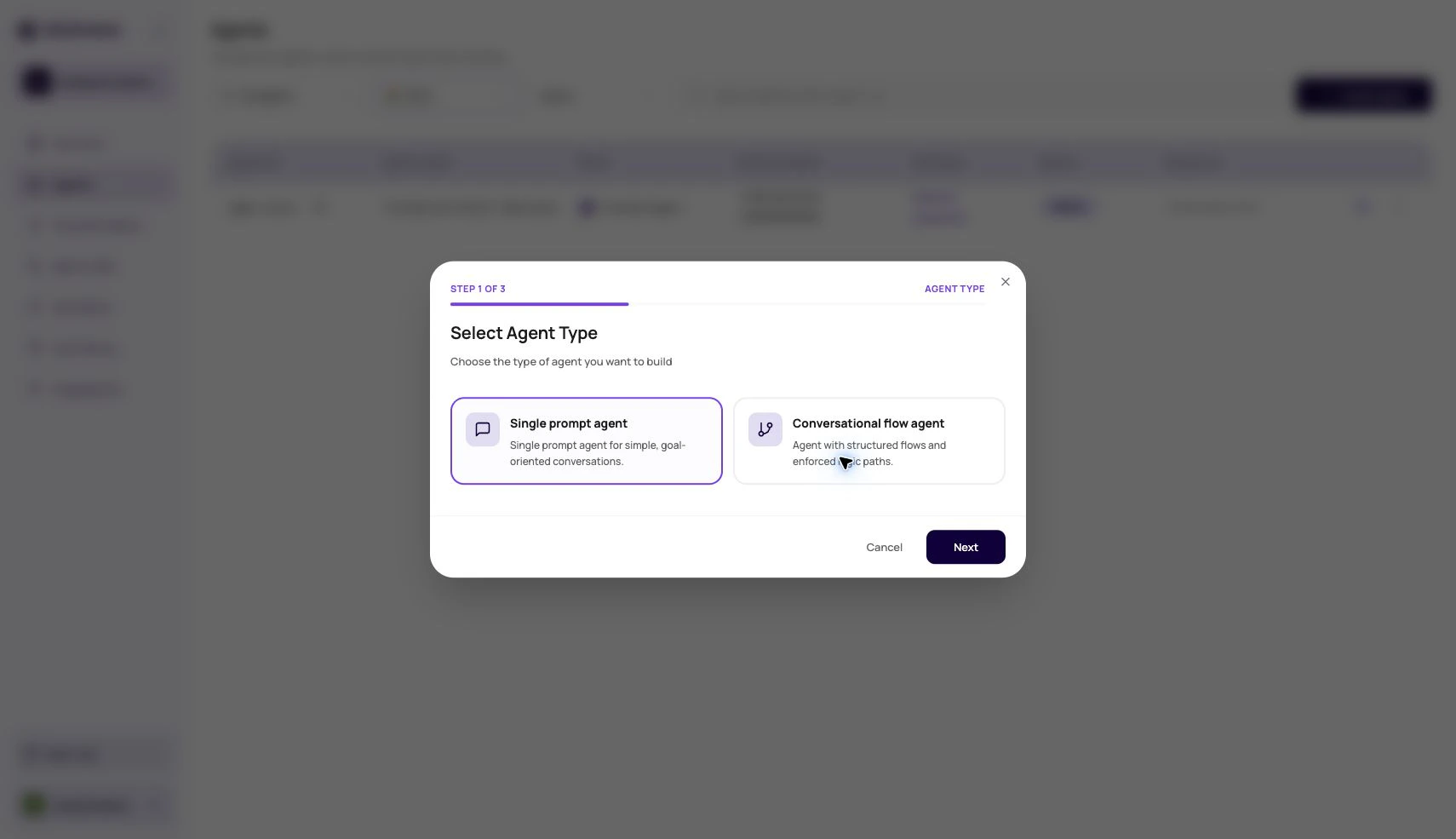
The most important early decision is the agent type. Choose Single Prompt for one focused objective, Conversational Flow for explicit node-based paths, and Speech to Speech for realtime voice calls where low turn latency matters.Types Of Agents
Single Prompt Agents
Speech To Speech Agents
What The Agents List Owns
Agent Builder
Agent Builder is the guided create path for a draft agent. Its Goal & Context, Call Playbook, and Personality steps collect your business brief and suggest an agent type that you can override. DialNexa then drafts the prompt, welcome message, post-call fields, dynamic variables, and technical profile for review. Use it when you want a strong first draft from structured answers. Start manually when you need a Conversational Flow Agent, exact compliance language, or a known production prompt.Row Actions
Test call
Duplicate
Export
Move
From Draft To Live Traffic
1
Create or import the agent
Choose a blank agent, a template, or an imported configuration.
2
Choose the conversation stack
Set voice, language, LLM model, transcriber, and voice model.
3
Write behavior
Add prompt, welcome behavior, variables, functions, and knowledge references where needed.
4
Connect useful actions
Add custom functions, dashboard integrations, workflow actions, or webhooks only when the call outcome needs them.
5
Set operational controls
Configure speech settings, call settings, post-call analysis, fallback behavior, and webhooks.
6
Publish a version
Published versions are what live routes should use.
7
Assign a route
Attach the version to a phone number, batch call, workflow call node, web call, or test call.
Why A Test Call May Not Start
No published version
No published version
The list action looks for a published version first. Publish the draft before using row-level test call.
Invalid recipient number
Invalid recipient number
The modal validates country code and expected digit length. Remove formatting and check the selected country.
Missing dynamic variables
Missing dynamic variables
If the agent prompt or flow expects variables, provide test values so the call does not sound incomplete.
Transfer destination validation failed
Transfer destination validation failed
Conversational flow transfer destinations can require valid dynamic values before the test call starts.
Workspace not ready
Workspace not ready
KYC, wallet, or outbound readiness can block some outbound behavior. Follow the readiness prompt in the dashboard.
What Not To Change From The List
The Agents list is for navigation and operations. Change detailed behavior inside the agent builder.Identify Agent Types In DialNexa
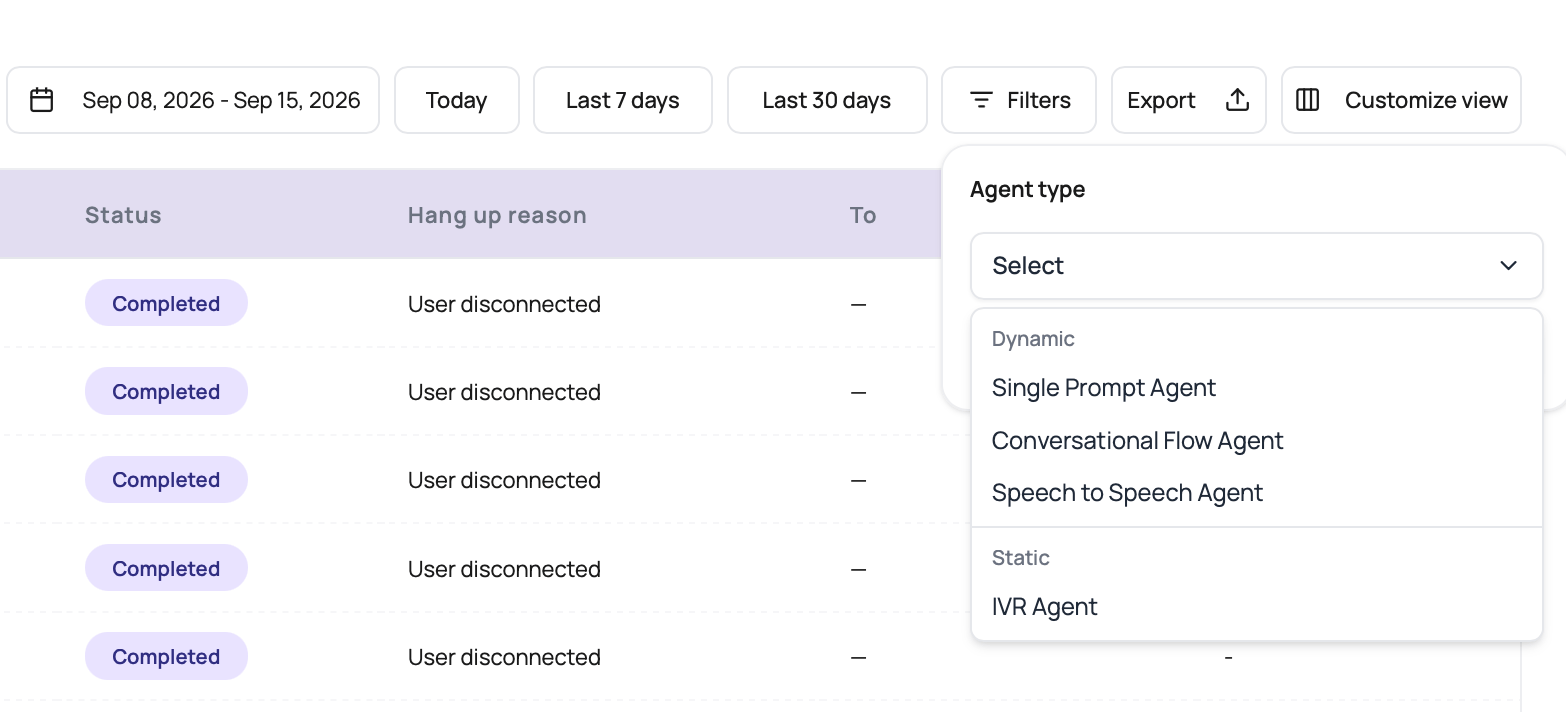
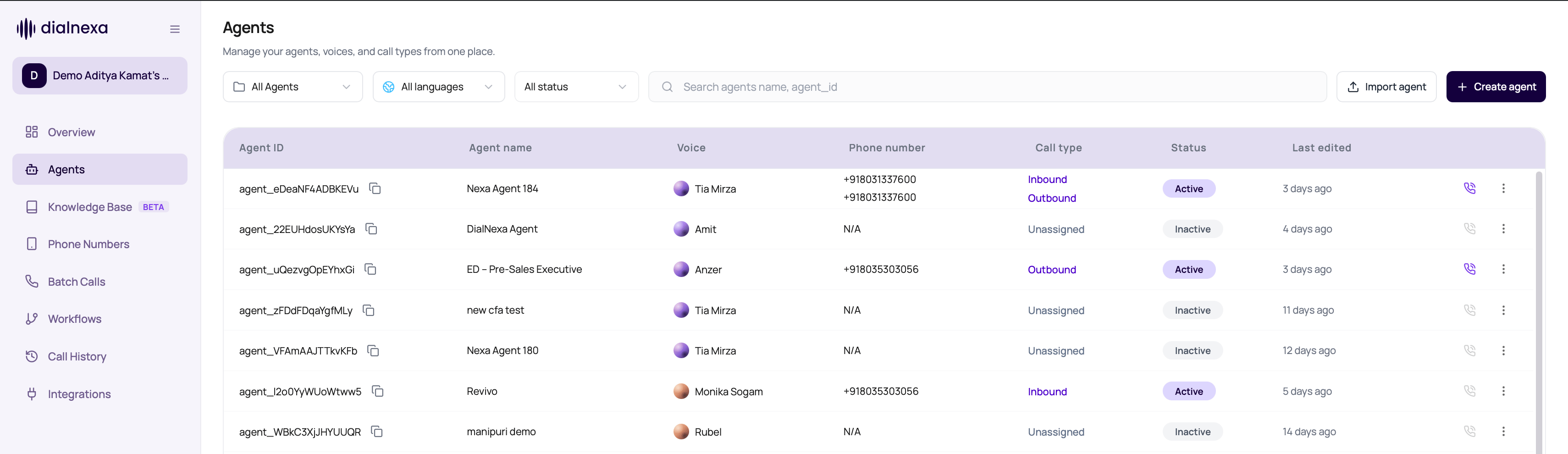
The Agents list includes an Agent type column: Single prompt, Conversational flow, Speech to Speech, or IVR. Use it to identify the agent before opening its editor. To compare completed calls by these types, use the Agent type filter in Call History. The following capture shows the matching types in Call History.