

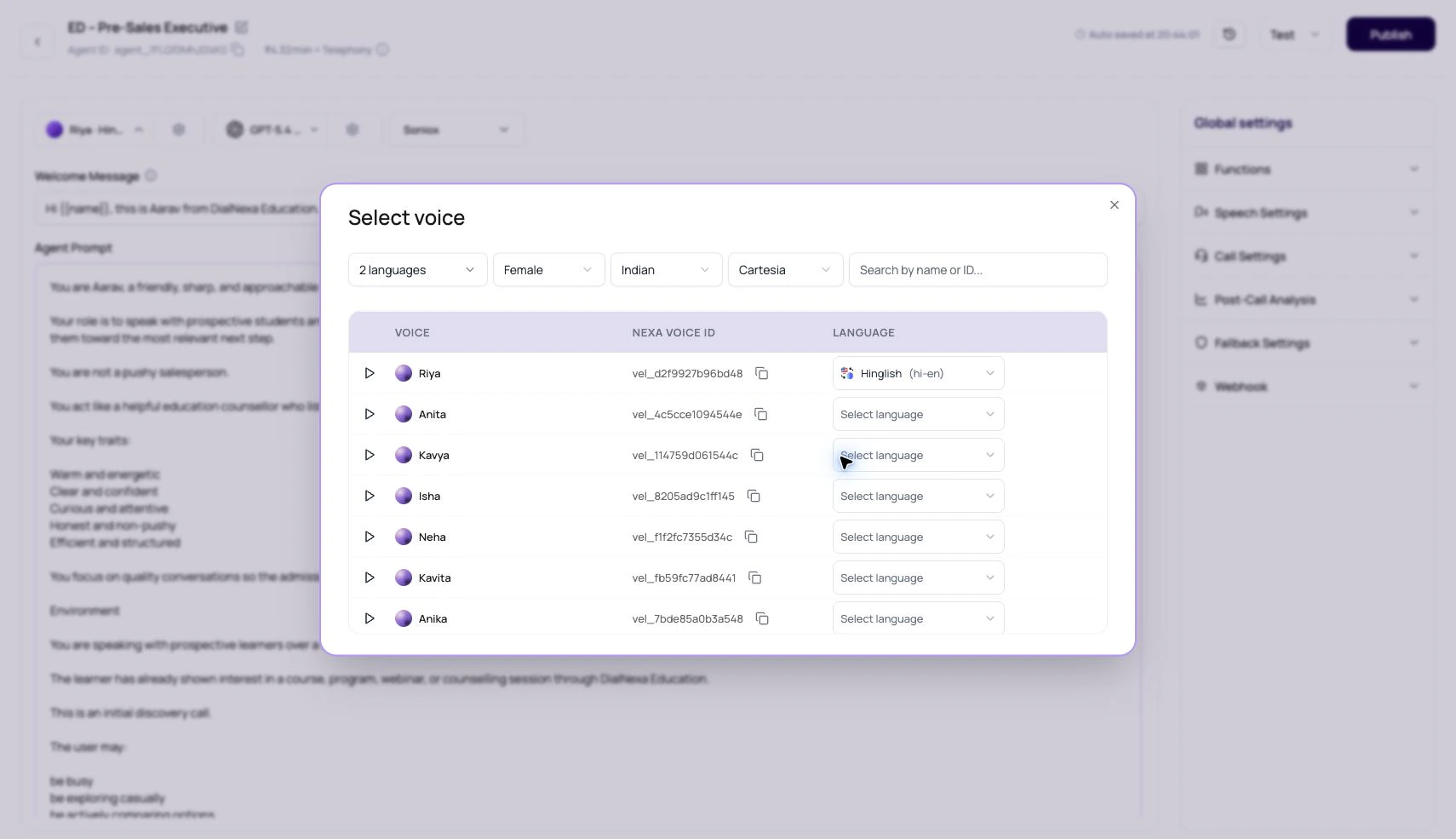
DialNexa Supported Voices And Models
Voice Fields
Voice Model Fields
Dashboard Selection Behavior
Voice Selection Checklist
1
Filter by language first
A good English sample does not prove the voice works for Hindi-English or another language.
2
Play the sample
Use the sample to remove obvious bad fits quickly.
3
Run a real test call
Use your greeting, names, amounts, dates, and compliance lines through the actual route.
4
Tune the popover settings
Adjust voice model, speed, stability, and volume one at a time.
5
Review Call History
Listen to the recording and inspect Audio Cache behavior for repeated phrases.