

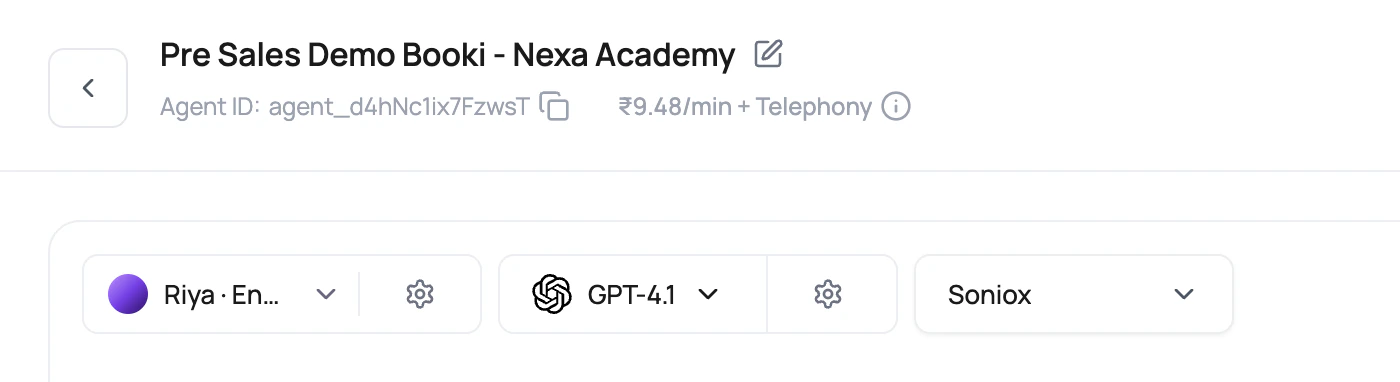
Choose DialNexa Voice AI Providers From The Call Type
Compare Providers By Layer
Do not compare all providers in one pile. Each provider owns a different failure mode.Provider Pages And Integration Pages
Use the focused voice AI guides below for provider-specific background. Treat them as supporting context, not as a replacement for testing the provider inside a real DialNexa call.Deepgram
ElevenLabs
OpenAI
Dashboard Integrations
Workflow Integrations
Agent Integrations
Provider Recipes You Can Start With
English default stack
English default stack
Use Deepgram Flux for English transcription, OpenAI for primary reasoning, and either ElevenLabs or Cartesia after listening tests. Keep temperature low when the agent calls functions or extracts structured results. This is a plain starting point, which is a compliment in production.
English interruption-heavy stack
English interruption-heavy stack
Use Deepgram Flux for English when callers interrupt often or answer in short bursts. Keep the welcome message short. Avoid long model replies. Test with callers who interrupt during the greeting, because they will.
Hindi-English stack
Hindi-English stack
Use Soniox with the Hindi-English language option. Turn on Hinglish Map when the agent sounds too formal. Test names, locality names, numbers, and casual mixed-language replies before publishing.
Fast fallback stack
Fast fallback stack
Choose a strong primary model first, then enable fallback LLM. New agent defaults can start fallback at
0 ms; increase the delay if the primary model should get more time before fallback races it. Use Call History to confirm which model won and whether the winning response was still correct.Repeated campaign stack
Repeated campaign stack
Keep greetings, disclosures, confirmations, and closing lines short and consistent. Audio Cache works best when the generated text and voice configuration repeat. Variables are useful, but they also make cache hits less likely.
Pricing Signals In The Builder
The dashboard shows rate previews so provider choice is not guesswork.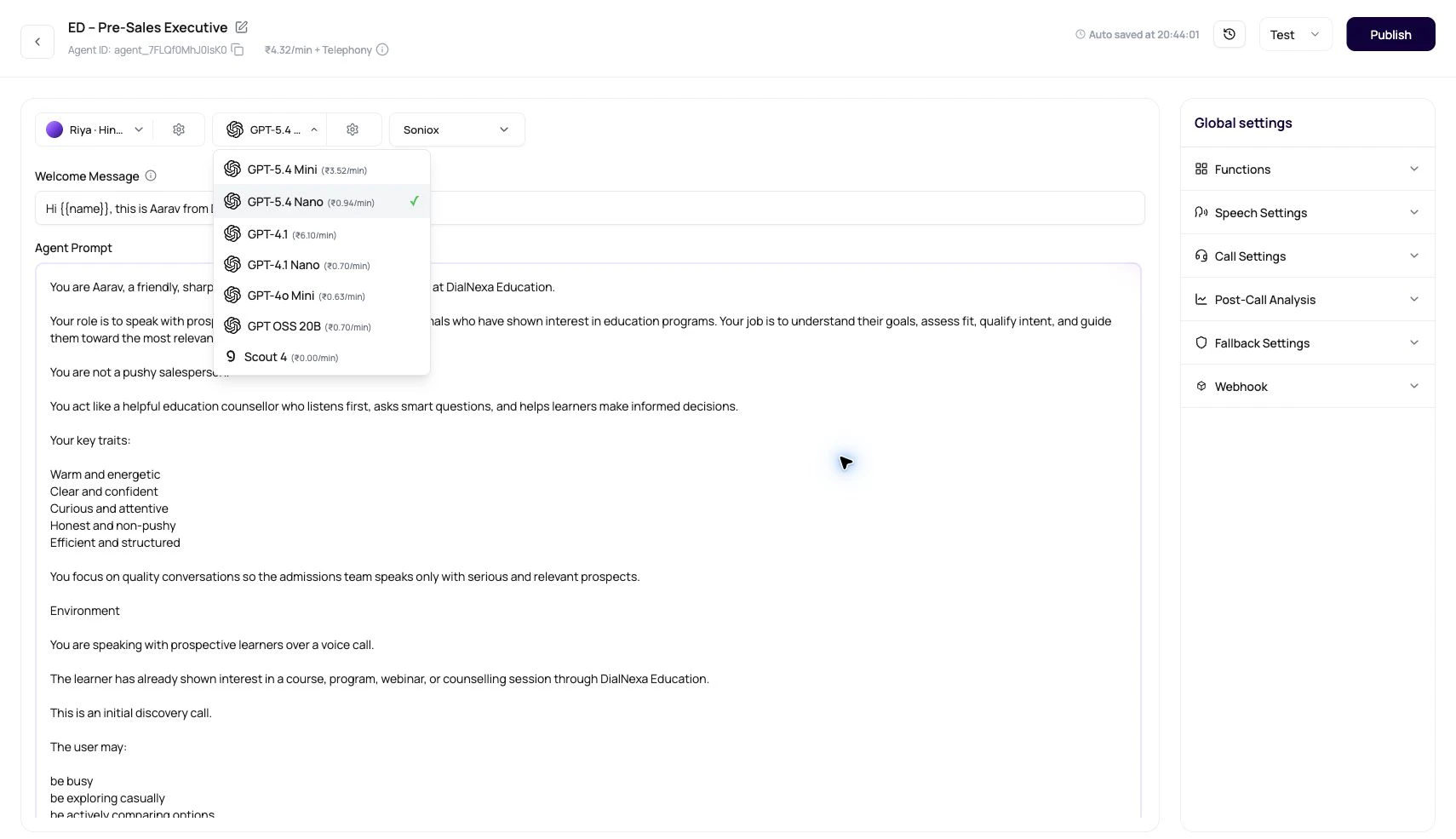
Telephony cost is separate from the voice, LLM, and transcriber stack. For Plivo-style routing, destination matching is based on the called number. For SIP trunking, DialNexa displays a flat SIP rate when it is configured.
Run A Fair Provider Test
1
Freeze the script
Use the same greeting, caller name, number, objection, pause, and final outcome for every test.
2
Freeze the route
Compare providers through the same phone path. Do not compare one provider on web call and another on a mobile network call.
3
Change one provider
Change only the transcriber, only the model, or only the voice.
4
Score the call detail
Review recording, live transcript, accurate transcript, summary, post-call fields, transfer data, Audio Cache, and cost.
5
Publish the winning version
Publish the version that passed the test. Live numbers and workflows use the latest published version; choose that version for new batch calls.