

Before You Begin
Use an email address you can access and confirm that you are joining the intended DialNexa organization.Watch The Creating Your DialNexa Account Video Tutorial
Create An Account Or Sign In
The current account pages show Google sign-in first. Choose Sign up with Google when creating an account, or Sign in with Google when returning. Complete the Google flow with the account you intend to use for DialNexa.- Create an account
- Sign in
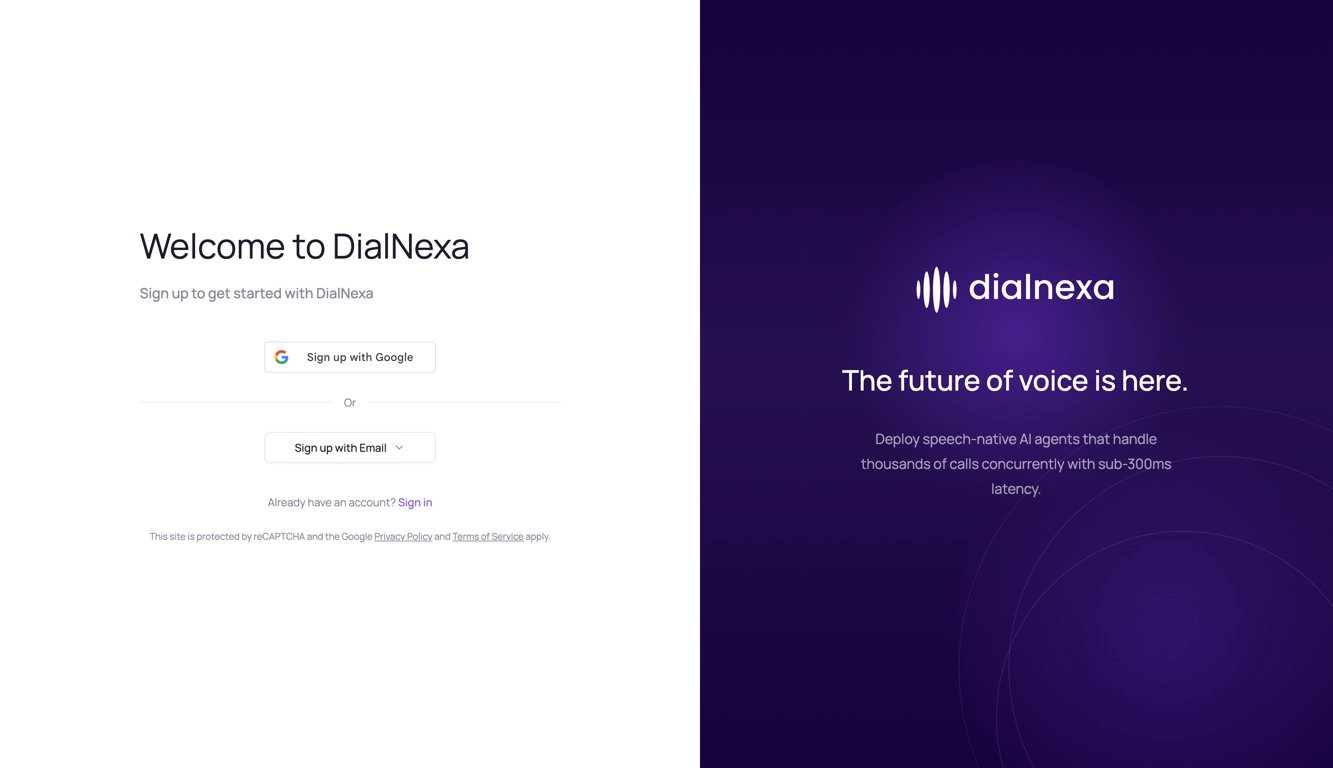
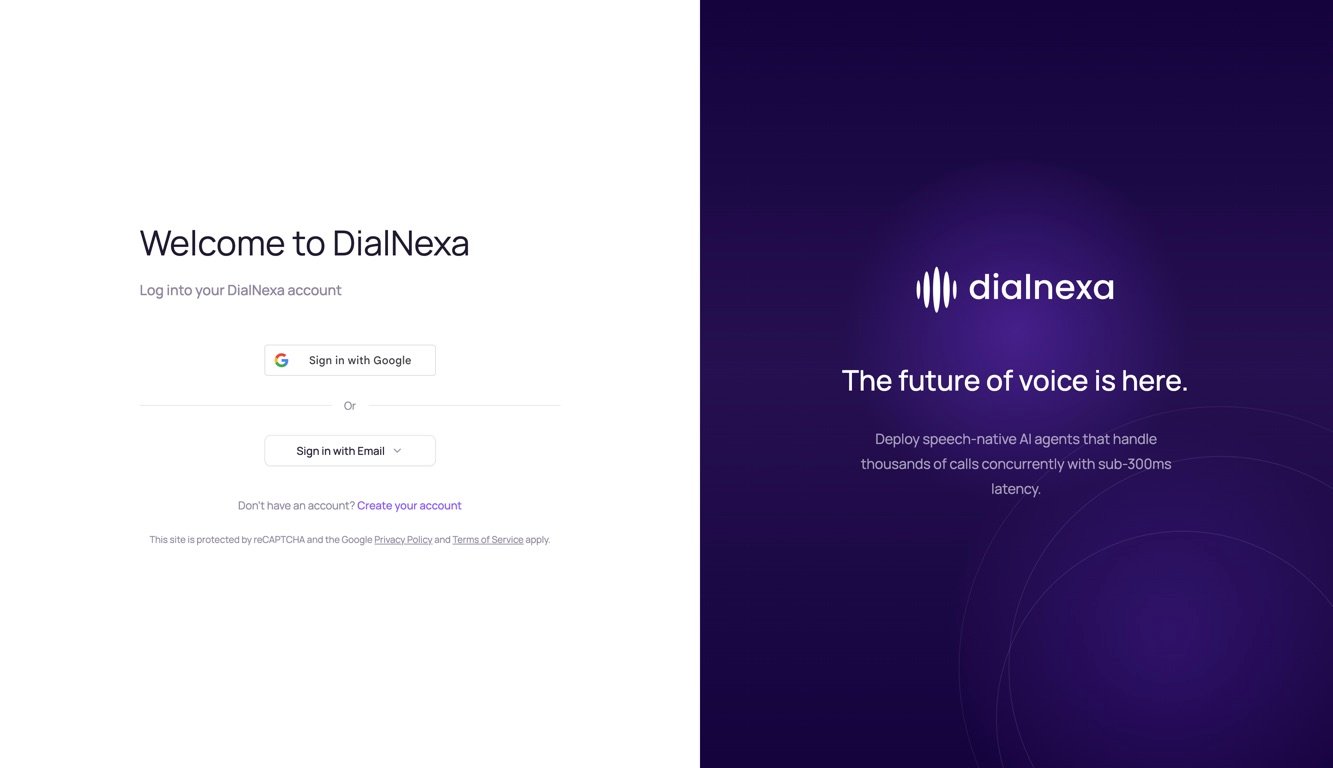
Use Create your account from the sign-in page when you need a new account. Use Sign in from the sign-up page when you already have one. Follow any verification instructions presented after submitting the form.