

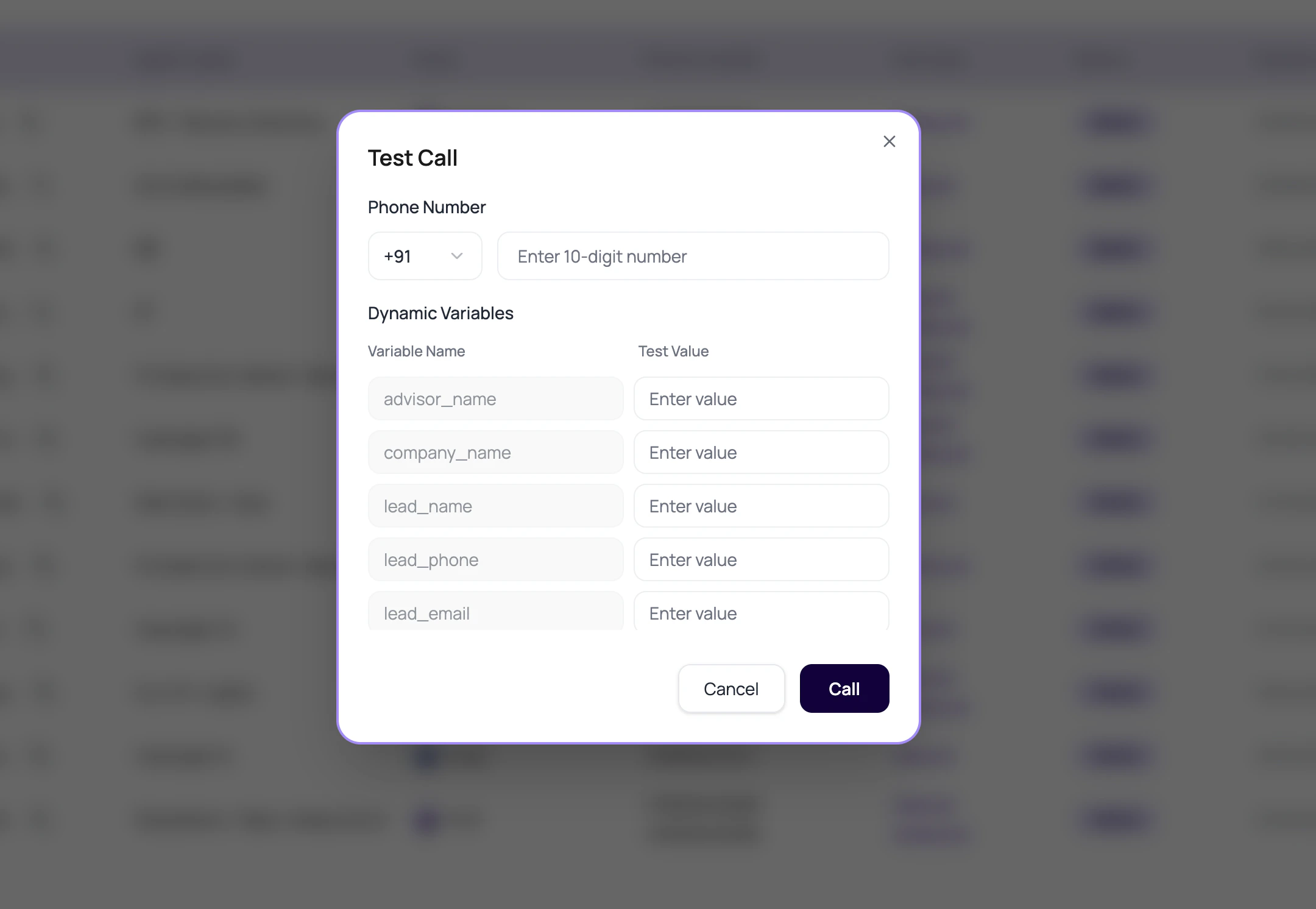
Choose The Version For Testing DialNexa Agents
Check Live and Editing in the header before starting. Saving a draft does not change the phone-test version. If the editor detects unpublished prompt, greeting, or flow changes, Test via call can open the publishing flow first; review that action before proceeding. After publishing, confirm the live version and the resulting call record before concluding that a change fixed the behavior.
When a browser call ends on the server, the test interface closes the active call state. Check the final hang-up reason in Call History; an agent-ended web call can be recorded as
agent_disconnected.
What Testing DialNexa Agents Checks
The dashboard checks basic readiness before starting a call.Run A Useful Agent Test
1
Publish the candidate version
Make sure the tested version is the one intended for traffic.
2
Use a real recipient format
Select the country and enter digits without decorative formatting.
3
Fill variables like production
Use realistic names, amounts, dates, cities, and transfer destinations.
4
Create awkward caller behavior
Interrupt, go silent, ask a question outside scope, and correct a wrong value.
5
Review Call History
Read transcript, recording, summary, extracted fields, transfer data, and status.
What To Inspect After The Test
Do not stop at the success toast.Transcript
Recording
Post-call fields
Routing result
When A Test Fails
Publish prompt appears
Publish prompt appears
Publish a version before using the list-level test action.
Number validation fails
Number validation fails
Check selected country, country code, and digit length.
Call starts but no useful transcript
Call starts but no useful transcript
Check audio quality, language, and transcriber.
Post-call fields are wrong
Post-call fields are wrong
Check each field’s Prompt and whether the transcript contained the needed facts.