

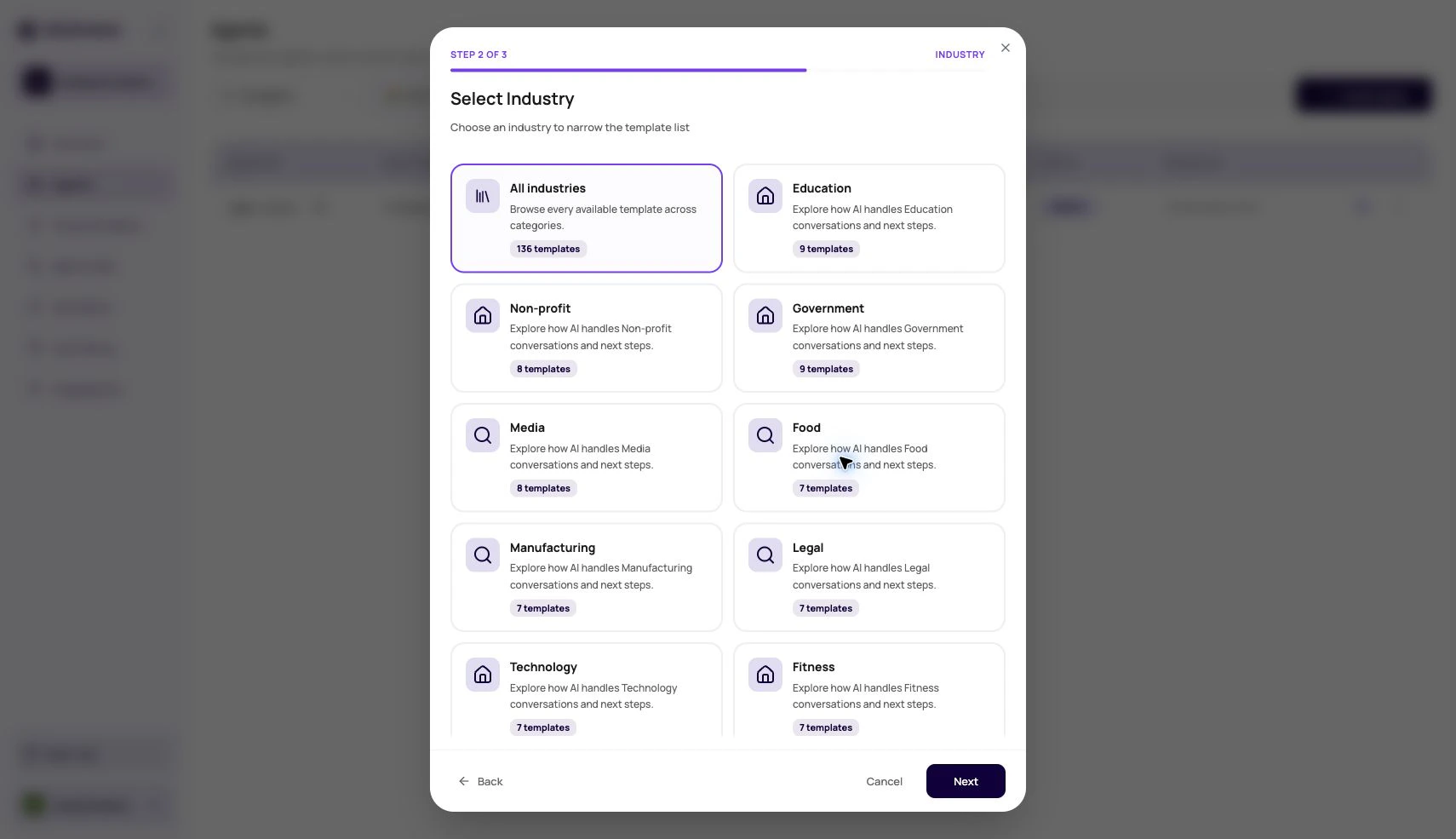
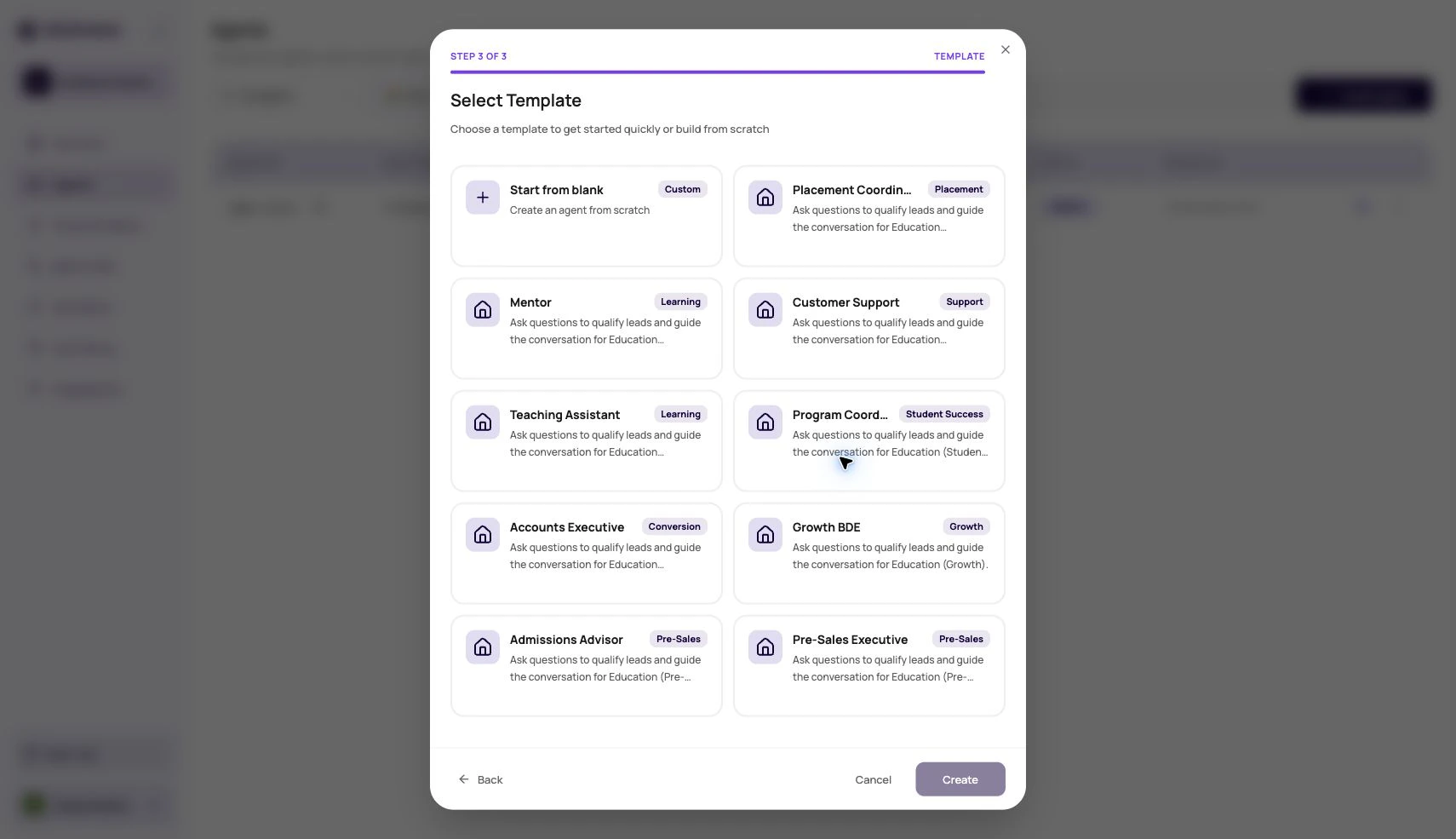
A template is a head start, not a signed contract with reality.
Before You Begin
Choose a template that matches one call objective. Prepare your business name, caller context, required questions, boundaries, and success criteria before applying it.What To Review After Using A Template
Templates can carry useful structure, but your use case owns the details.When Templates Help Most
Use templates when structure is more valuable than blank-page freedom.Known use cases
Lead qualification, reminders, support intake, and surveys often share repeatable structure.
Fast prototyping
Create a draft quickly, then edit it into your real script and settings.
Team consistency
Give teams a common starting point for tone, fields, and safety rules.
Training new builders
Show new users what a complete agent setup looks like.
Template To Production
1
Create from template
Pick the closest starting point.
2
Rename immediately
Give the agent a name that identifies the specific use case.
3
Replace placeholder content
Update prompt examples, variables, and field names.
4
Publish after testing
Do not route real traffic until a tested version is published.
Template Misuse Patterns
Leaving sample variables
Leaving sample variables
A caller should never hear generic sample values.
Keeping unused functions
Keeping unused functions
Unused tools increase confusion and may allow actions the agent should not take.
Not changing post-call fields
Not changing post-call fields
Exports become hard to use when fields do not match the real outcome.
Verify The Template-Based Agent
Remove sample values, confirm provider and variable settings, publish a test version, and review one normal and one difficult conversation in Call History.Related Reading
Agents Overview
Return to the agent list.
Testing Agents
Test template-based agents.
Prompts
Rewrite the caller-facing behavior.
Agent Template Video
Watch how to create a single prompt agent from a template.