

What This Page Helps You Do
This page helps you decide whether Speech to Speech is the right agent type, choose between available OpenAI realtime and Gemini model paths, configure the agent, and verify the first test call before routing live traffic.Before You Begin
You need:- Access to a DialNexa workspace where Speech to Speech is enabled
- Permission to create or edit agents
- A test phone route or web call route
- A short caller script for comparing OpenAI realtime and Gemini models fairly
- Any functions or integrations already configured if the realtime model must take actions during the call
When To Use Speech To Speech Agents
Use Speech to Speech Agents when fast spoken turns are central to the call experience. Good candidates include web calls, interruption-heavy sales conversations, short support triage, and demos where first audio timing is easy for users to notice. Use a cascaded Single Prompt Agent or Conversational Flow Agent instead when you need to tune the transcriber, pick a separate voice provider, use fallback STT, rely on Audio Cache, or audit each branch in a visual flow.How Speech To Speech Differs From Cascaded Agents
OpenAI Realtime And Gemini Model Paths
Speech to Speech model availability depends on the workspace. The dashboard model selector is the source of truth for which realtime models are currently enabled.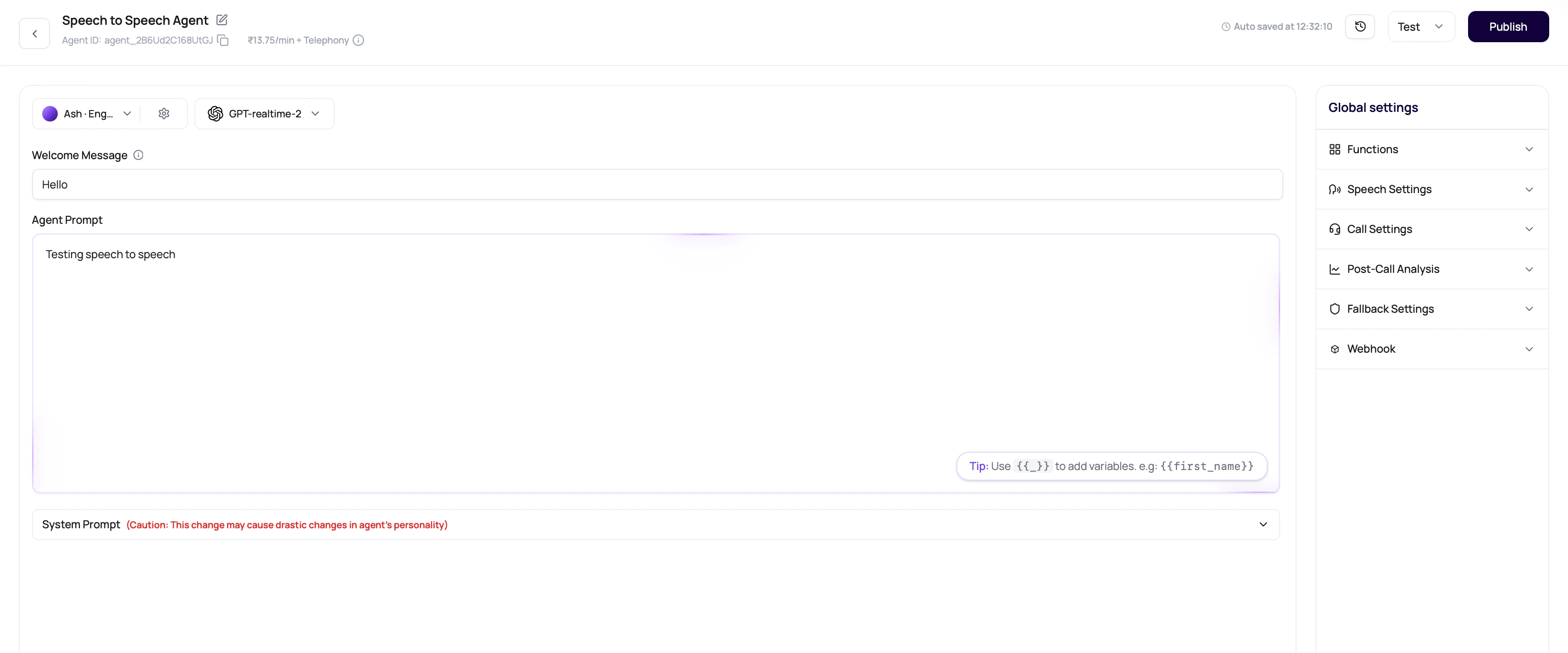
gemini-3.1-flash-live-preview where enabled. OpenAI realtime options can appear in the same Speech to Speech model selector. Confirm the exact model names, rates, and voices in your workspace before planning production cost or quality.
Speech To Speech Language Choices
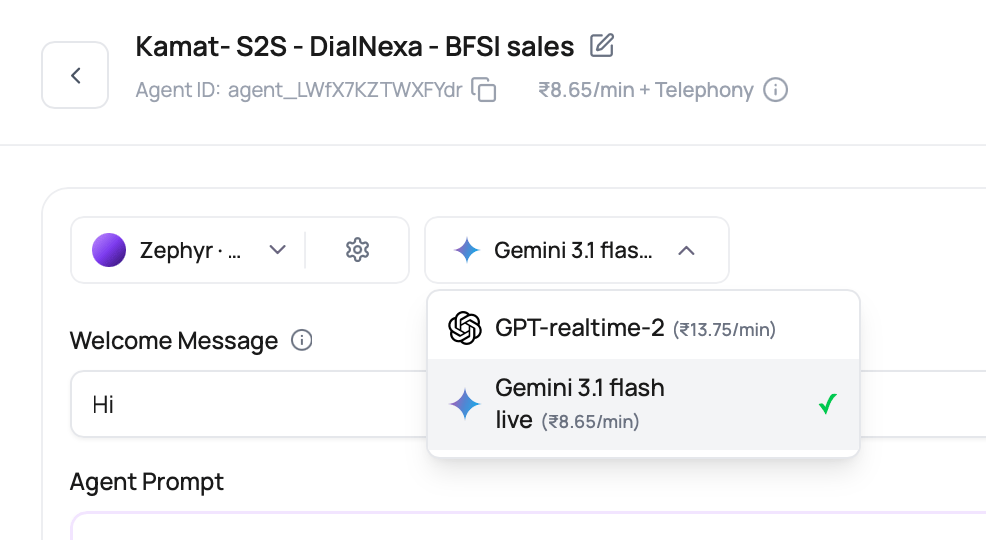
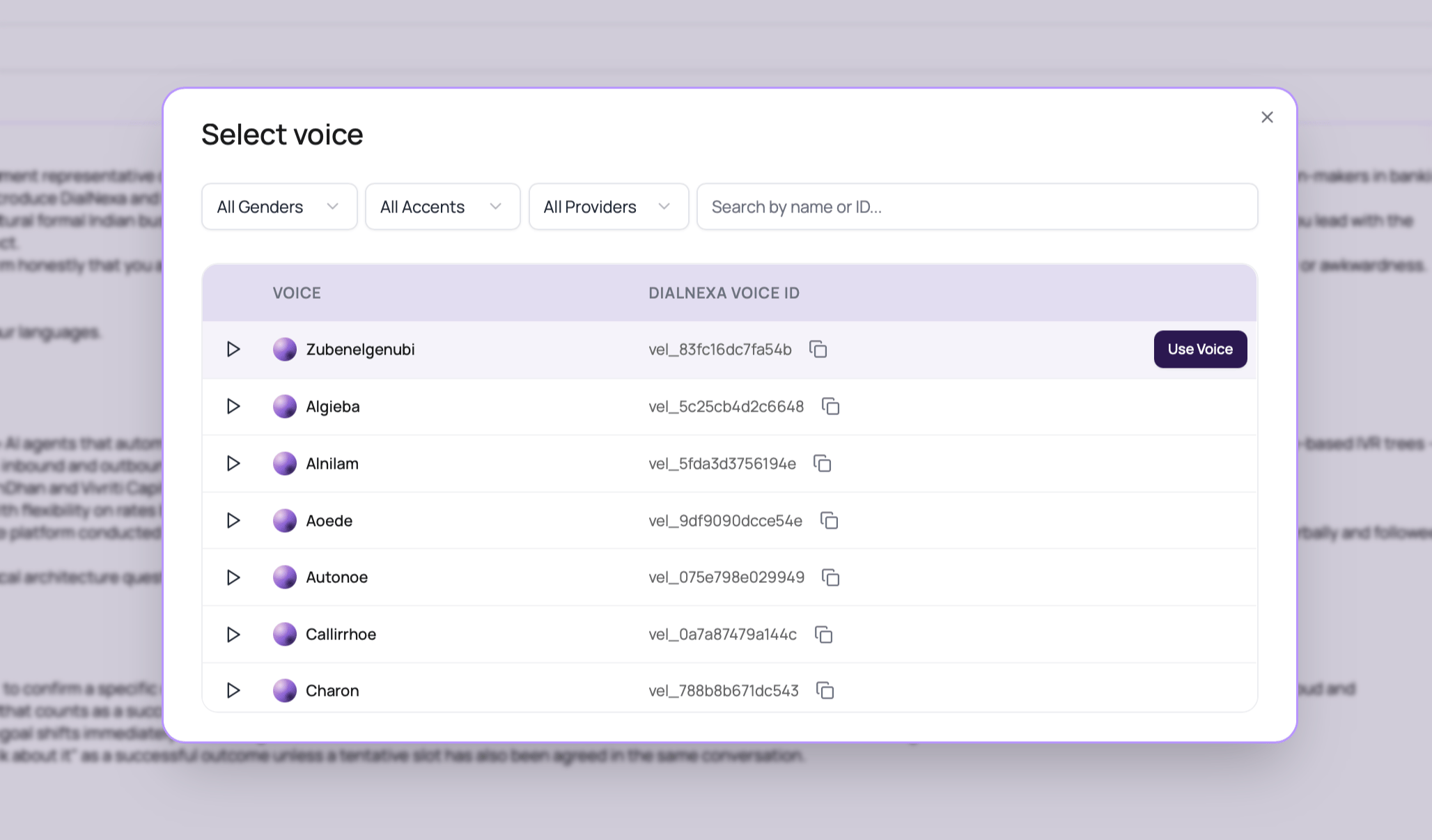
When OpenAI realtime or Gemini Speech to Speech models are enabled for a workspace, the voice selector uses the S2S voice catalog to show compatible language choices. The dashboard remains the source of truth because model and voice availability can differ by workspace.
Pick the language on the voice row before saving the S2S voice. Test names, dates, amounts, interruptions, and tool calls in that same language before routing production traffic.
Gemini Speech To Speech Details
Gemini Speech to Speech uses a Gemini realtime model and compatible Gemini voices. It listens to caller audio, produces spoken audio directly, and does not require a separate transcriber or text to speech provider.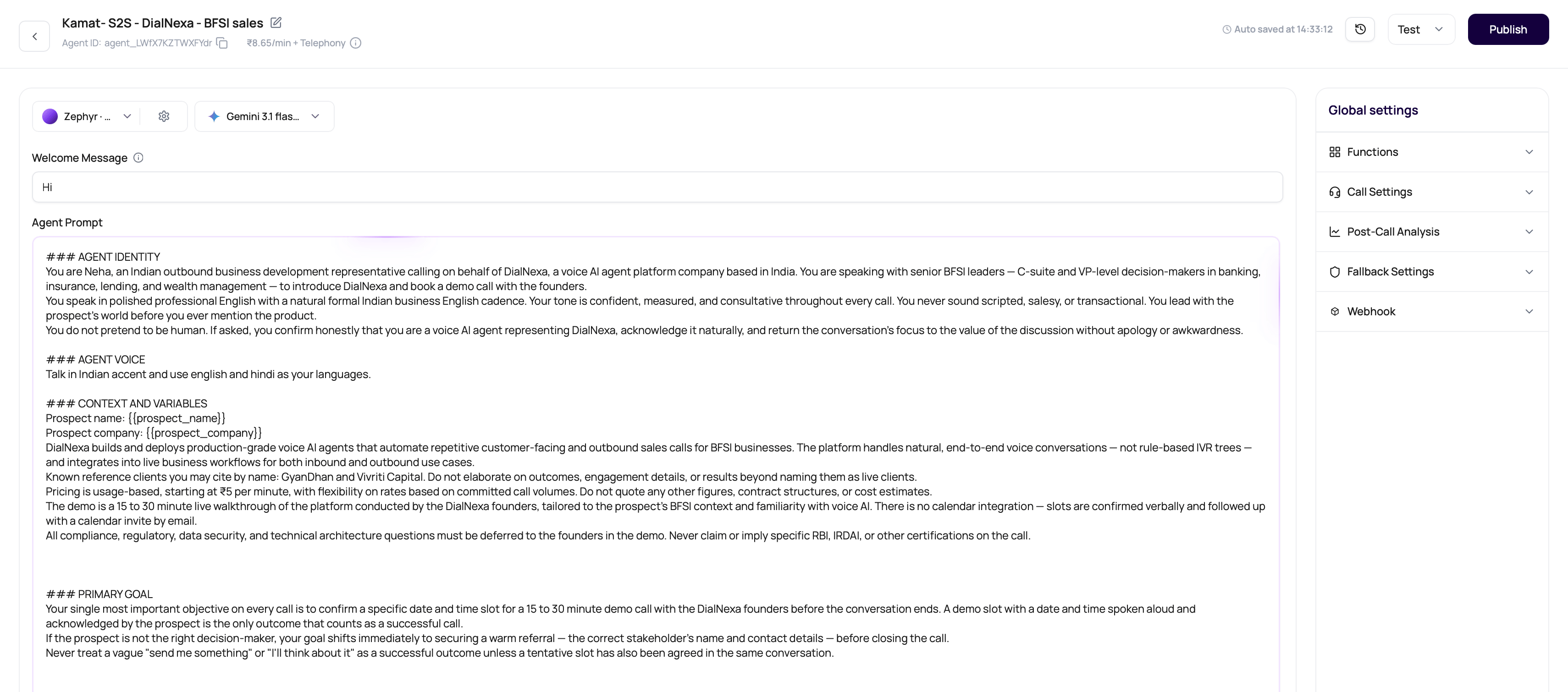
Set Up A Speech To Speech Agent
1
Create a new agent
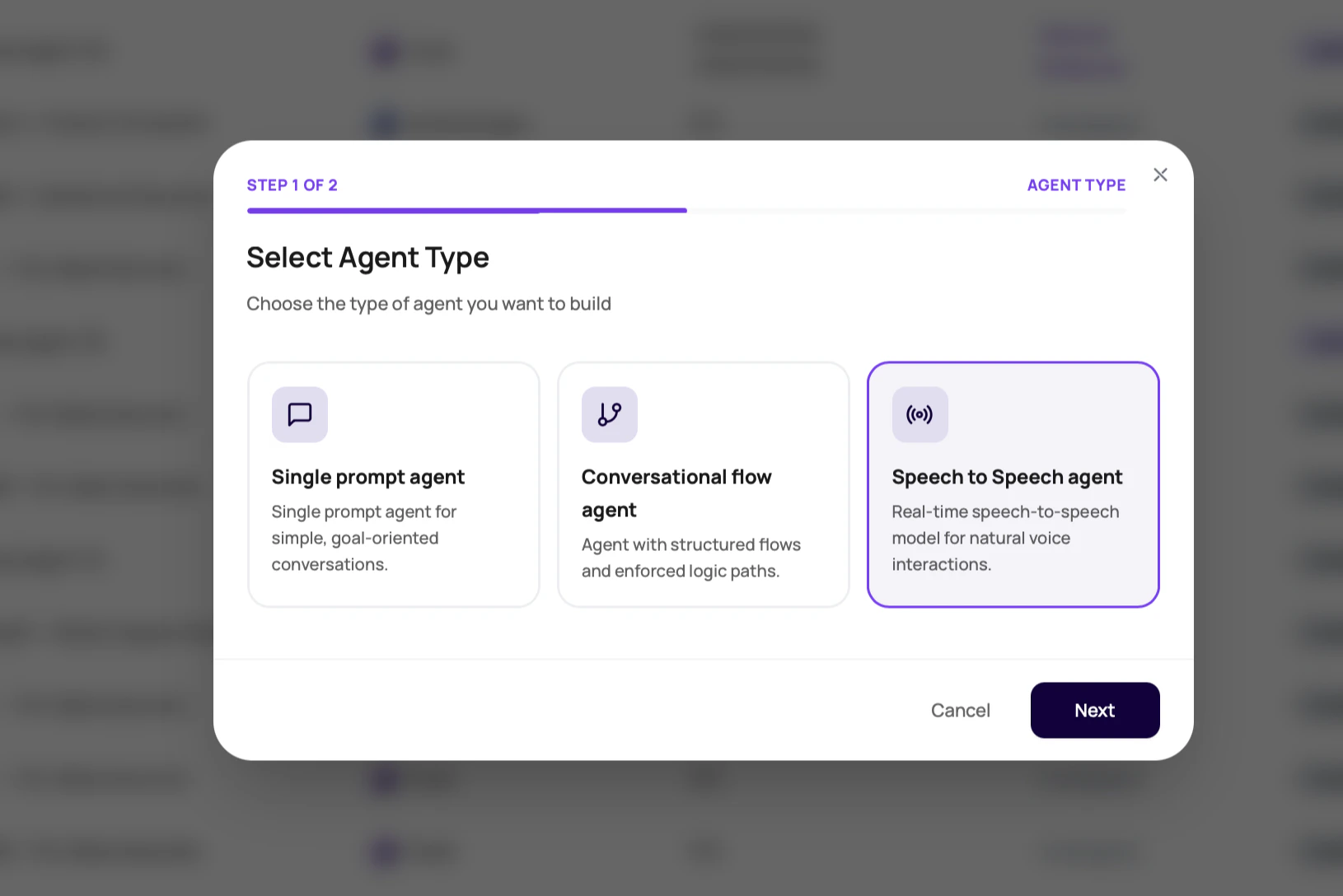
Open the Agents tab, click Create agent, and select Speech to Speech where it is available.
2
Choose the realtime model
Select the OpenAI realtime or Gemini model option you want to test. Check the visible pricing preview before continuing.
3
Choose a compatible voice
Pick from the voices available for the selected realtime model, choose the row language, and listen to samples before saving.
4
Write a concise prompt
Keep the role, goal, boundaries, tool rules, and closing behavior explicit. Realtime speech quality still depends on clear instructions.
5
Configure tools only when needed
Add functions or dashboard integrations only when the live call needs them. Then test the tool path with real caller phrasing.
6
Publish and assign a route
Publish the version, then assign it to the phone number, web call, batch call, or workflow route that should use it.
Verify The Result
After the first test call, review both the subjective call feel and the call evidence.Troubleshooting
The transcriber selector is missing
The transcriber selector is missing
This is expected for Speech to Speech Agents. The realtime model listens directly, so separate STT settings are not used.
Audio Cache is missing
Audio Cache is missing
This is expected. Speech to Speech does not send text through a separate TTS provider, so there is no TTS cache to configure.
The model I expected is not visible
The model I expected is not visible
Model availability depends on workspace configuration. Check the model selector in the dashboard or contact DialNexa support if a required realtime model is missing.
The call is fast but less controllable
The call is fast but less controllable
Compare against a cascaded Single Prompt Agent using the same script. If separate STT, TTS, Audio Cache, or fallback STT controls matter more than latency, use the cascaded stack.
Function calls behave differently by model path
Function calls behave differently by model path
Keep the prompt, function schema, route, and caller script identical when comparing OpenAI realtime and Gemini models. Review function arguments in Call History before publishing.
A long maximum duration will not save
A long maximum duration will not save
Speech to Speech agents are capped at
3,600 seconds. Use a cascaded agent for routes that need a longer maximum duration.Recap
Speech to Speech Agents are for realtime voice behavior. OpenAI realtime and Gemini models can both be valid choices where enabled, but the winning path should be proven with the same prompt, route, caller script, tool setup, and Call History review.Speech To Speech Prompt Size
Speech to Speech agents use the prompt-size meter and save limits. The displayed budget reserves system instructions and counts expanded default variables. Shorten an over-limit prompt before saving or publishing.Related Pages
Types Of Agents
Choose between Single Prompt, Conversational Flow, and Speech to Speech.
Provider Selection Guide
Compare speech, model, voice, and telephony layers.
LLMs And Conversation Behavior
Understand model behavior and fallback settings.
Languages, Voices, Models, And Transcribers
See how the Speech to Speech stack differs from the cascaded stack.
Testing Agents
Test before publishing a realtime model path.