

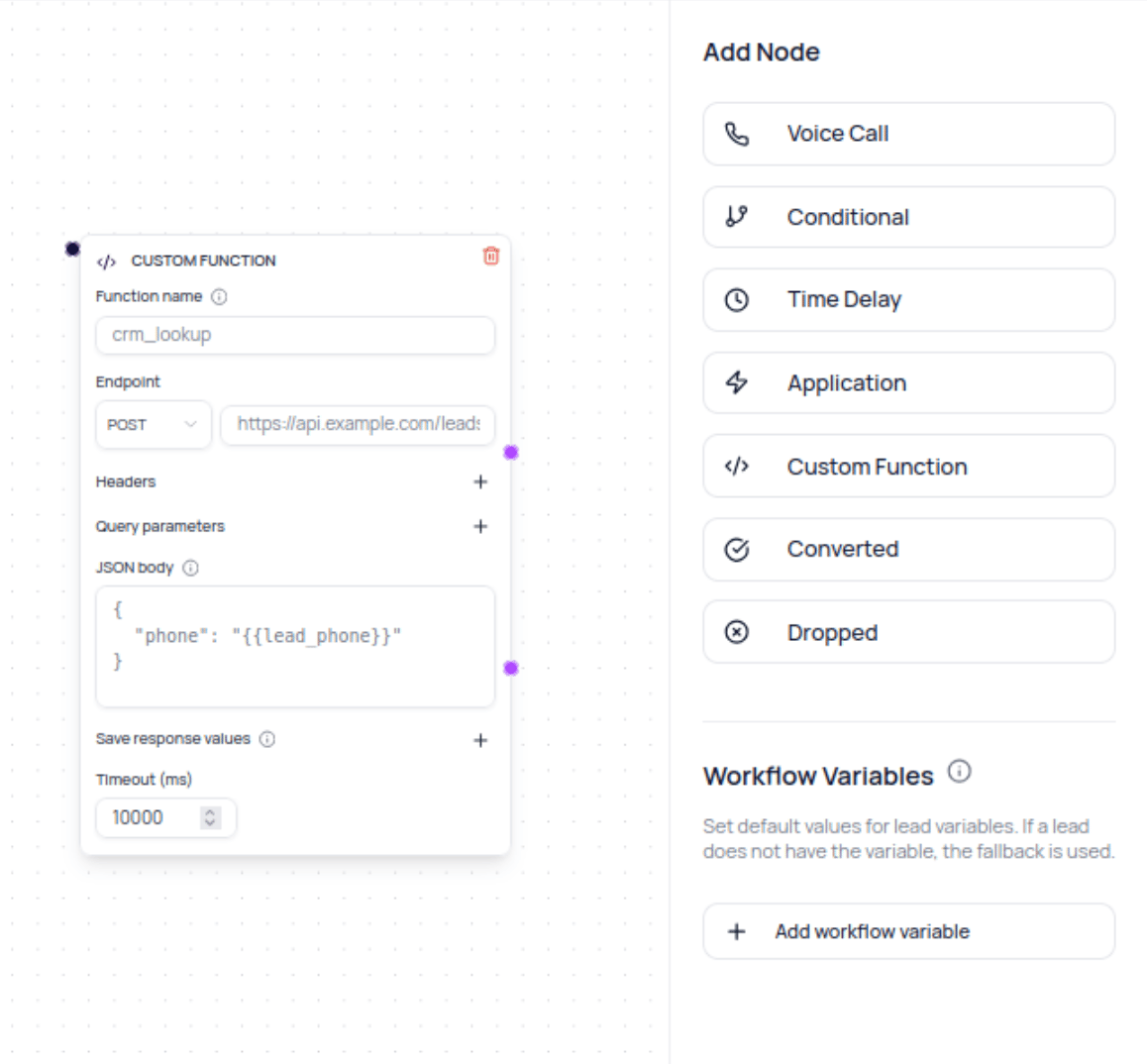
When To Use Custom Function Nodes
Use a Custom Function node when a workflow must read or update a system that is not available as a connected DialNexa integration. Examples include checking eligibility, creating a record in an internal application that has a public API, or fetching a value used by a later Conditional node. Use an Application node when DialNexa already provides the required connected integration action.Before You Begin
- Prepare a public
httporhttpsendpoint. Localhost, private network, and other non-public addresses are blocked. - Decide which lead variables the request needs and add workflow fallback values for required variables that no earlier node creates.
- Decide which response values later nodes need.
- Design separate Success and Failure paths.
- Avoid placing credentials in the URL. Send authentication through request headers.
Configure The Request
Request URLs, headers, query parameters, and body values can reference lead variables with
{{variable_name}}. In JSON values, use {{json variable_name}} when the inserted value must remain a JSON number, boolean, object, array, or null instead of becoming a string.
Map Response Variables
Each response-variable row has a key and a path. The key becomes a lead dynamic variable. The path selects a value from the response body.
Objects and arrays are stored as JSON text. A missing or
null path becomes an empty value. Later nodes can reference the stored key through their normal lead-variable controls.
Build A Safe Success And Failure Flow
1
Add the node
Drag a Custom Function node onto the workflow canvas and give it a clear function name.
2
Configure the request
Select the HTTP method, enter the public endpoint, and add the required headers, query parameters, and JSON body.
3
Add response variables
Map only the response values that later nodes need. Use dot paths or array indexes to select nested values.
4
Connect both outputs
Send Success to the normal next step. Send Failure to a retry, wait, notification, or intentional terminal path.
5
Provide required fallbacks
Add fallback values for required lead variables unless an earlier Custom Function node produces them on every path.
6
Test with one lead
Run a controlled test, then inspect lead history and invocation evidence before adding production leads.
Request And Response Limits
- HTTP status codes from
200through299use the Success output. Other status codes and request errors use Failure. - A response body can be at most 512 KiB.
- DialNexa follows at most three redirects.
- Authentication, API key, token, secret, and cookie headers are removed before a cross-origin redirect.
- Each redirect target is checked again and must resolve to a public address.
- Request and response evidence is recorded with sensitive values redacted where supported.
Verify The Result
Open the workflow lead history and confirm the node followed the expected output. Review the HTTP status, latency, invocation ID, and stored response-variable keys. Then inspect the next Conditional, Call, or Application node to confirm it received the expected values.Troubleshooting
The endpoint is rejected before execution
The endpoint is rejected before execution
Use a public HTTP or HTTPS URL. Remove embedded credentials and confirm DNS does not resolve to localhost, private, link-local, or another non-public address.
A template value is blank
A template value is blank
Add the lead variable to the uploaded lead, create it in an earlier Custom Function node, or configure a workflow fallback value.
A response variable is blank
A response variable is blank
Compare the configured path with the actual JSON response. Check property spelling, array indexes, and whether the endpoint returned an empty or
null value.The node follows Failure on a valid-looking response
The node follows Failure on a valid-looking response
Confirm the endpoint returned a
2xx status within the timeout and that its response stayed below the size limit.