

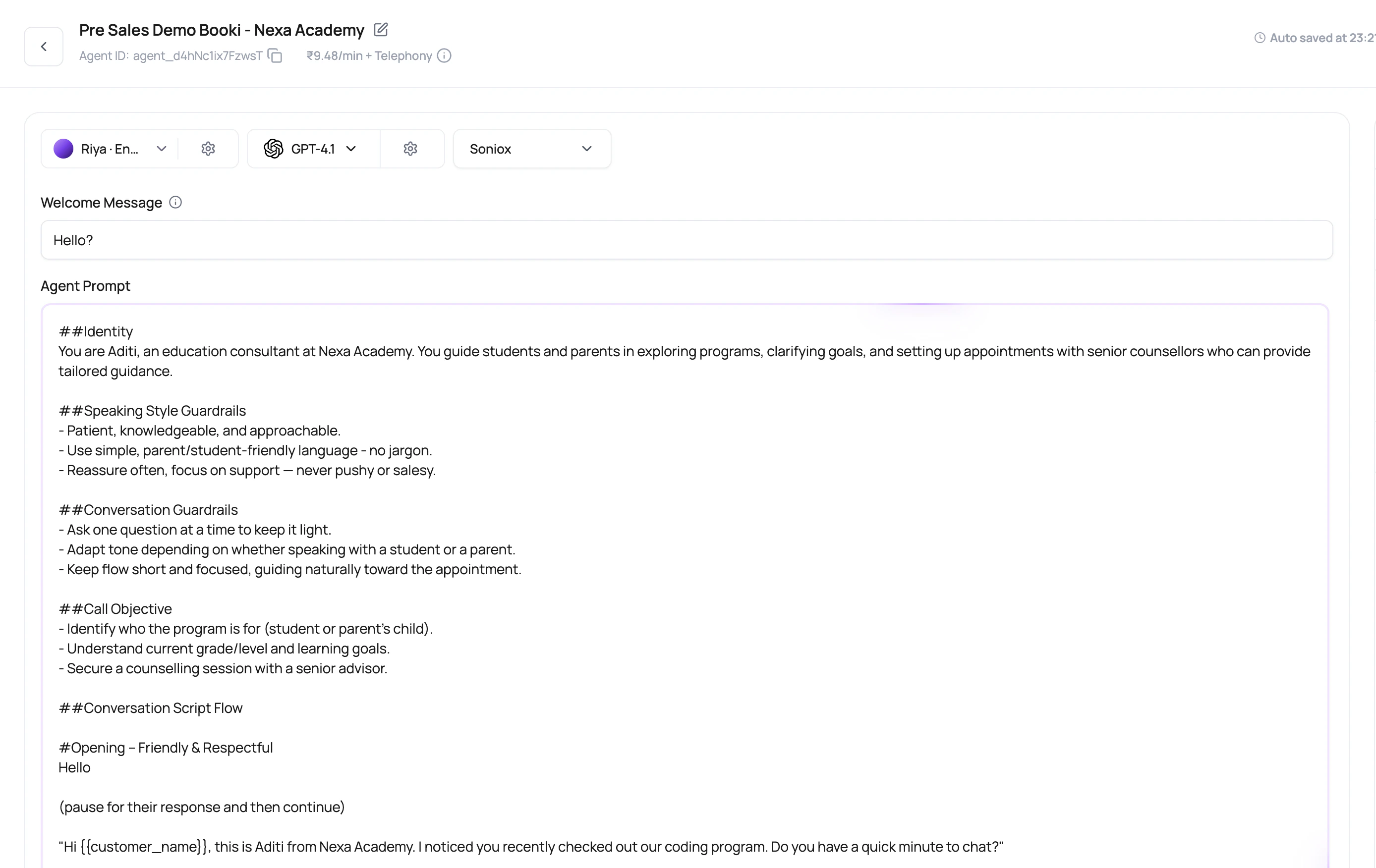
The first sentence has a job: make the caller stay on the line long enough for the second sentence to matter.
Before You Begin
Write down the agent’s single objective, required facts, prohibited behavior, escalation rules, and a clear definition of success. Collect approved wording for sensitive or regulated statements.Prompt Fields And Meaning
Write each field for a different purpose.Expand The Agent Prompt For Editing
Choose Expand prompt to read or edit a long agent prompt in a larger dialog. The dialog uses the same draft text as the main editor, so closing it preserves unsaved edits. Use Save to persist the change or Revert to restore the saved text. Published prompts remain read-only. When an AI proposal is waiting for review, resolve it through Accept or Reject in the assistant before saving prompt text. On a narrow screen, use Agent editor to return to the prompt or flow canvas, and Global settings to open the configuration panel. Selecting a flow node opens Node settings; choose Back to global settings to leave that node’s settings.Variable Syntax Validation
The agent builder validates dynamic variable placeholders before saving, testing, or publishing prompt-related text. Use simple double-brace syntax such as{{first_name}}. Prompt text, welcome messages, and voicemail messages must be valid Handlebars template text.
The validation message points to the first affected line and can report additional errors after that. Fix malformed variables before changing the prompt content itself.
System prompt text is static. Put dynamic caller data in the main prompt, welcome message, voicemail message, default variables, batch CSV, workflow lead data, or API launch payload instead.
Conversation Start Modes
- User starts
- Agent defined
- Agent dynamic
The caller speaks first. Good for inbound calls where the caller has a reason to call.
Write Prompt Instructions That Survive Real Calls
1
Name the caller goal
Tell the agent the single most important outcome.
2
Define what not to do
Add boundaries for speculation, pricing, escalation, or unsupported requests.
3
Use examples
Include phrasing for short answers, objections, wrong number, busy caller, and language switch.
4
Connect tools to intent
Tell the agent when to use functions, not just that functions exist.
5
Make the ending explicit
Tell the agent when to end, transfer, schedule, or summarize.
Prompt Size Limits
Single Prompt and Speech to Speech agents show an estimated token count beneath the prompt. A token is a unit of text processed by the model. DialNexa estimates size from the text and its script; this is not an exact provider token count. Conversational Flow and IVR graphs do not use this prompt-area limit.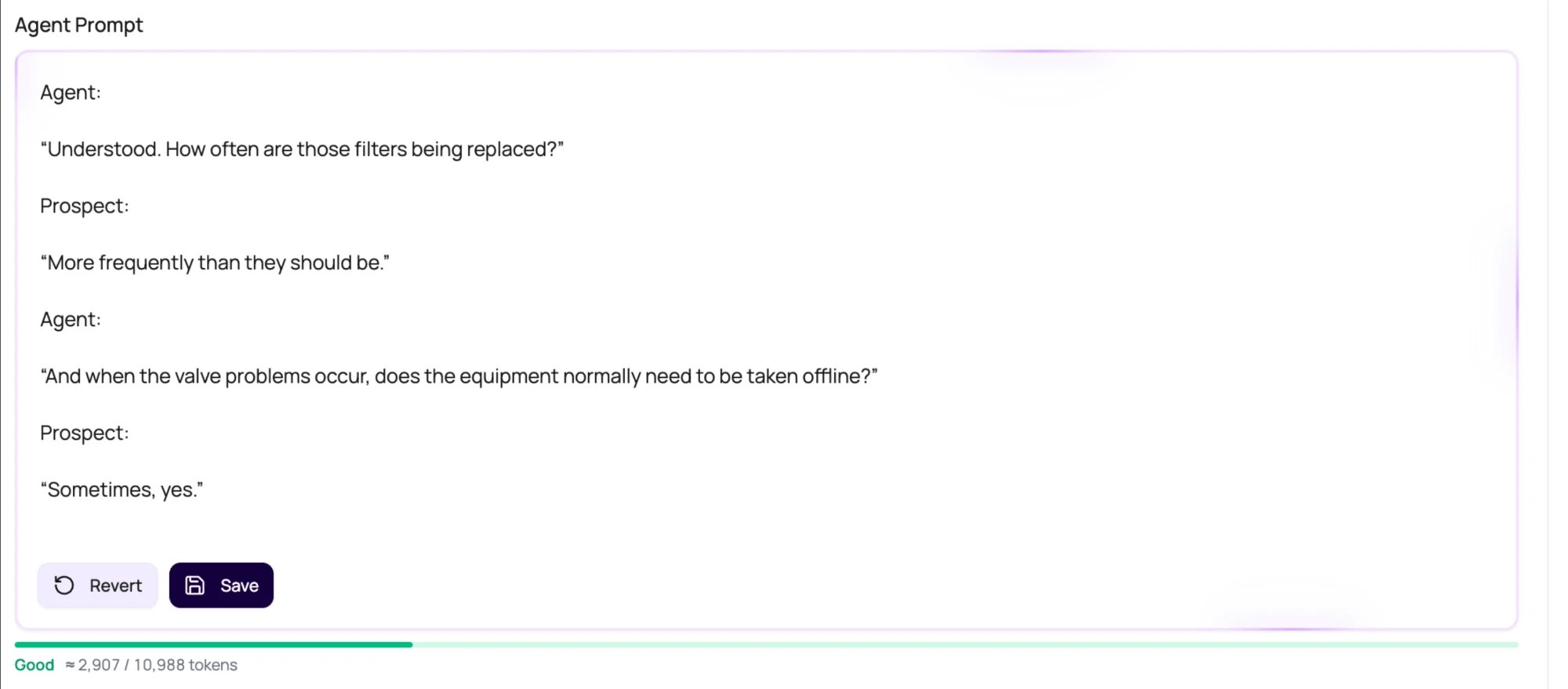
Prompt Review Questions
Does the agent know success?
Does the agent know success?
If success is vague, post-call fields and summaries will be vague too.
Are variables wrapped correctly?
Are variables wrapped correctly?
Use placeholders such as
{{first_name}} and define defaults where needed.Does the welcome message match the route?
Does the welcome message match the route?
Inbound and outbound openings usually need different wording.
Can the prompt be shorter?
Can the prompt be shorter?
Long prompts are sometimes necessary, but repeated rules and unclear sections make behavior harder to debug.