> ## Documentation Index
> Fetch the complete documentation index at: https://dialnexa.com/docs/llms.txt
> Use this file to discover all available pages before exploring further.
# DialNexa Integration Functions
> Understand DialNexa integration functions for Wati, Resend, workflow actions, agent actions, invocation payloads, missing fields, provider messages, errors, and latency.
DialNexa integration functions are catalog actions that can run from workflows or eligible agent tools. Each execution stores provider, adapter, action, source context, redacted payloads, missing fields, provider message id, error details, and latency.
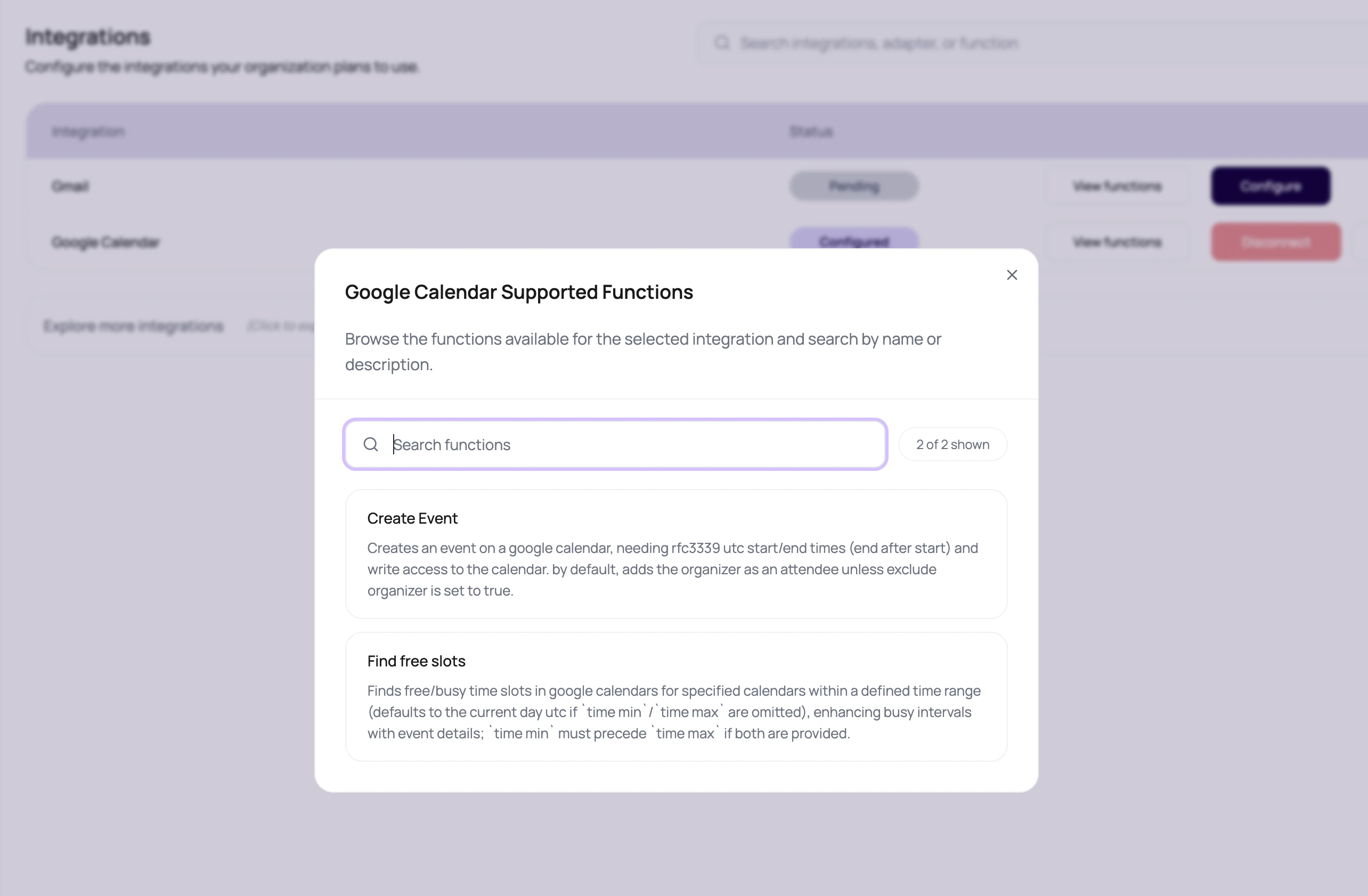 Integration invocation data is where vague action failures become specific enough to fix.
## Function Types Users Will See
| Provider | Function type | Typical inputs | Typical result |
| -------- | ------------------------------------------ | ---------------------------------------------------------------------- | ------------------------------------------------ |
| Wati | Send WhatsApp session or template message. | Phone number, message body, template name, parameters, broadcast name. | Message accepted or provider error with details. |
| Resend | Send email. | From email, to email, subject, text body. | Email accepted or provider error with details. |
## Invocation Evidence
| Field | Meaning |
| ------------------------------------- | -------------------------------------------------------------- |
| `source_type` | Where the action came from, such as workflow or agent context. |
| `source_ref_id` | Id of the source that triggered the action. |
| `workflow_id` and `workflow_lead_id` | Workflow context for Application node actions. |
| `agent_id` and `agent_version_number` | Agent context when the action is tied to a caller. |
| `call_log_id` | Call context when available. |
| `request_payload_redacted` | Input sent to the provider with sensitive values removed. |
| `response_payload_redacted` | Provider response with sensitive values removed. |
| `missing_fields` | Required fields that were not available. |
| `provider_message_id` | Provider-side message id when returned. |
| `error_code` and `error_message` | Provider or adapter failure details. |
| `latency_ms` | How long the action took. |
## Use Invocation Data To Decide The Fix
Fix variable mapping, call attribute extraction, or static config.
Reconnect or validate the provider connection.
Check provider rules, template approval, sender identity, or rate limits.
Move the action later in the flow, add failure handling, or avoid blocking live speech.
## Function Design Rules
Use the action that matches the desired outcome, not the closest-looking logo.
Required fields should come from lead variables, call attributes, dynamic variables, or static configuration.
Provider errors, missing fields, and rate limits should have a clear workflow path.
Before scaling, inspect the redacted request, response, latency, and message id.
## Integration Function Questions
Sensitive values should not be exposed in routine debugging views. Redaction lets teams debug structure without exposing secrets.
Check invocation status, missing fields, provider response, and whether the node output is wired to success.
Only expose an action when it has a clear caller-facing purpose and the agent function description explains exactly when to call it.
If an action blocks a live response, slow provider latency becomes awkward caller silence. Place slow actions after the call when possible.
## Related Reading
Expose actions to agents.
Run actions in Application nodes.
Send WhatsApp messages.
Send email messages.
Integration invocation data is where vague action failures become specific enough to fix.
## Function Types Users Will See
| Provider | Function type | Typical inputs | Typical result |
| -------- | ------------------------------------------ | ---------------------------------------------------------------------- | ------------------------------------------------ |
| Wati | Send WhatsApp session or template message. | Phone number, message body, template name, parameters, broadcast name. | Message accepted or provider error with details. |
| Resend | Send email. | From email, to email, subject, text body. | Email accepted or provider error with details. |
## Invocation Evidence
| Field | Meaning |
| ------------------------------------- | -------------------------------------------------------------- |
| `source_type` | Where the action came from, such as workflow or agent context. |
| `source_ref_id` | Id of the source that triggered the action. |
| `workflow_id` and `workflow_lead_id` | Workflow context for Application node actions. |
| `agent_id` and `agent_version_number` | Agent context when the action is tied to a caller. |
| `call_log_id` | Call context when available. |
| `request_payload_redacted` | Input sent to the provider with sensitive values removed. |
| `response_payload_redacted` | Provider response with sensitive values removed. |
| `missing_fields` | Required fields that were not available. |
| `provider_message_id` | Provider-side message id when returned. |
| `error_code` and `error_message` | Provider or adapter failure details. |
| `latency_ms` | How long the action took. |
## Use Invocation Data To Decide The Fix
Fix variable mapping, call attribute extraction, or static config.
Reconnect or validate the provider connection.
Check provider rules, template approval, sender identity, or rate limits.
Move the action later in the flow, add failure handling, or avoid blocking live speech.
## Function Design Rules
Use the action that matches the desired outcome, not the closest-looking logo.
Required fields should come from lead variables, call attributes, dynamic variables, or static configuration.
Provider errors, missing fields, and rate limits should have a clear workflow path.
Before scaling, inspect the redacted request, response, latency, and message id.
## Integration Function Questions
Sensitive values should not be exposed in routine debugging views. Redaction lets teams debug structure without exposing secrets.
Check invocation status, missing fields, provider response, and whether the node output is wired to success.
Only expose an action when it has a clear caller-facing purpose and the agent function description explains exactly when to call it.
If an action blocks a live response, slow provider latency becomes awkward caller silence. Place slow actions after the call when possible.
## Related Reading
Expose actions to agents.
Run actions in Application nodes.
Send WhatsApp messages.
Send email messages.