> ## Documentation Index
> Fetch the complete documentation index at: https://dialnexa.com/docs/llms.txt
> Use this file to discover all available pages before exploring further.
# DialNexa Calls Overview
> Understand DialNexa calls across phone numbers, inbound calls, outbound calls, web calls, call transfer, voicemail, SIP trunking, and call history.
DialNexa calls are the live conversations created by agents, phone numbers, batch campaigns, workflows, web calls, or manual tests. A call combines a route, a published agent version, a recipient or caller, and a call log that stores the evidence afterward.
## Get Your First Call Working
New to calls? The fastest path from zero to a live conversation:
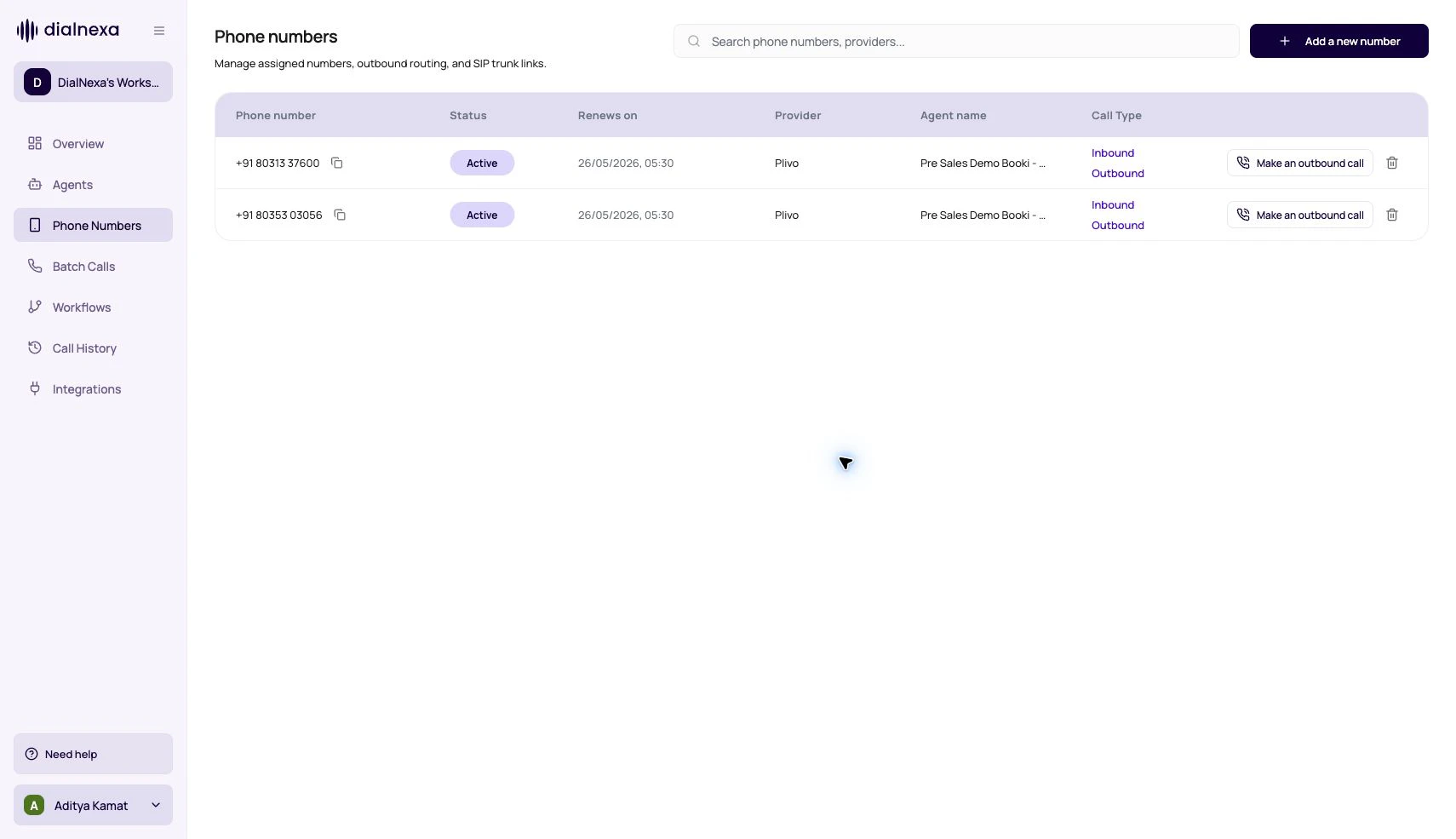
[Buy a number](/calls/phone-numbers) or [link your own via SIP trunking](/calls/sip-trunking). Outbound calling also requires [KYC verification](/platform/kyc-and-outbound-readiness).
Assign a published agent version to the number for [inbound answering](/calls/inbound-calls), or place a [single outbound call](/calls/outbound-calls).
Open [Call History](/monitoring/call-history) and confirm the status, transcript, and recording match what you expected.
 A call is not complete when it rings. It is complete when you can explain what happened afterward.
## Call Entry Points
Different product surfaces create different kinds of call records.
| Entry point | How it starts | Where to review |
| ------------------ | -------------------------------------------------------------------------------- | -------------------------------------- |
| Inbound call | A caller dials a DialNexa number assigned to an inbound agent version. | Call History |
| Outbound call | A user or API starts a single call through an outbound number and agent version. | Call History |
| Batch call | A campaign calls many recipients from a CSV file. | Batch Calls and Call History |
| Workflow call node | A workflow lead reaches a Voice Call node. | Workflow lead history and Call History |
| Web call | A browser or web experience starts a web-type call. | Call History |
## The Route Decides The Agent
Routing is the first thing to check when a call uses the wrong behavior.
Numbers can have inbound and outbound agent ids and version numbers.
Batch Calls use numbers that already have an outbound agent version attached.
Voice Call nodes require an active phone number with outbound agent configured.
Web calls create web-type records and can be terminated by API.
## Investigate A Call From Start To Finish
Check whether the call came from inbound, outbound, batch, workflow, web, or test.
Open the number, batch, or workflow node that selected the agent version.
Review status, recording, transcript, summary, extracted fields, transfer data, and audio cache.
Use exports for reporting and annotations for prompt improvement suggestions.
## Related Reading
Understand route setup.
Review call records.
Inspect a single call.
A call is not complete when it rings. It is complete when you can explain what happened afterward.
## Call Entry Points
Different product surfaces create different kinds of call records.
| Entry point | How it starts | Where to review |
| ------------------ | -------------------------------------------------------------------------------- | -------------------------------------- |
| Inbound call | A caller dials a DialNexa number assigned to an inbound agent version. | Call History |
| Outbound call | A user or API starts a single call through an outbound number and agent version. | Call History |
| Batch call | A campaign calls many recipients from a CSV file. | Batch Calls and Call History |
| Workflow call node | A workflow lead reaches a Voice Call node. | Workflow lead history and Call History |
| Web call | A browser or web experience starts a web-type call. | Call History |
## The Route Decides The Agent
Routing is the first thing to check when a call uses the wrong behavior.
Numbers can have inbound and outbound agent ids and version numbers.
Batch Calls use numbers that already have an outbound agent version attached.
Voice Call nodes require an active phone number with outbound agent configured.
Web calls create web-type records and can be terminated by API.
## Investigate A Call From Start To Finish
Check whether the call came from inbound, outbound, batch, workflow, web, or test.
Open the number, batch, or workflow node that selected the agent version.
Review status, recording, transcript, summary, extracted fields, transfer data, and audio cache.
Use exports for reporting and annotations for prompt improvement suggestions.
## Related Reading
Understand route setup.
Review call records.
Inspect a single call.